Light mode is here: choose how Splital looks
 Maurizio|Sep 07, 2026
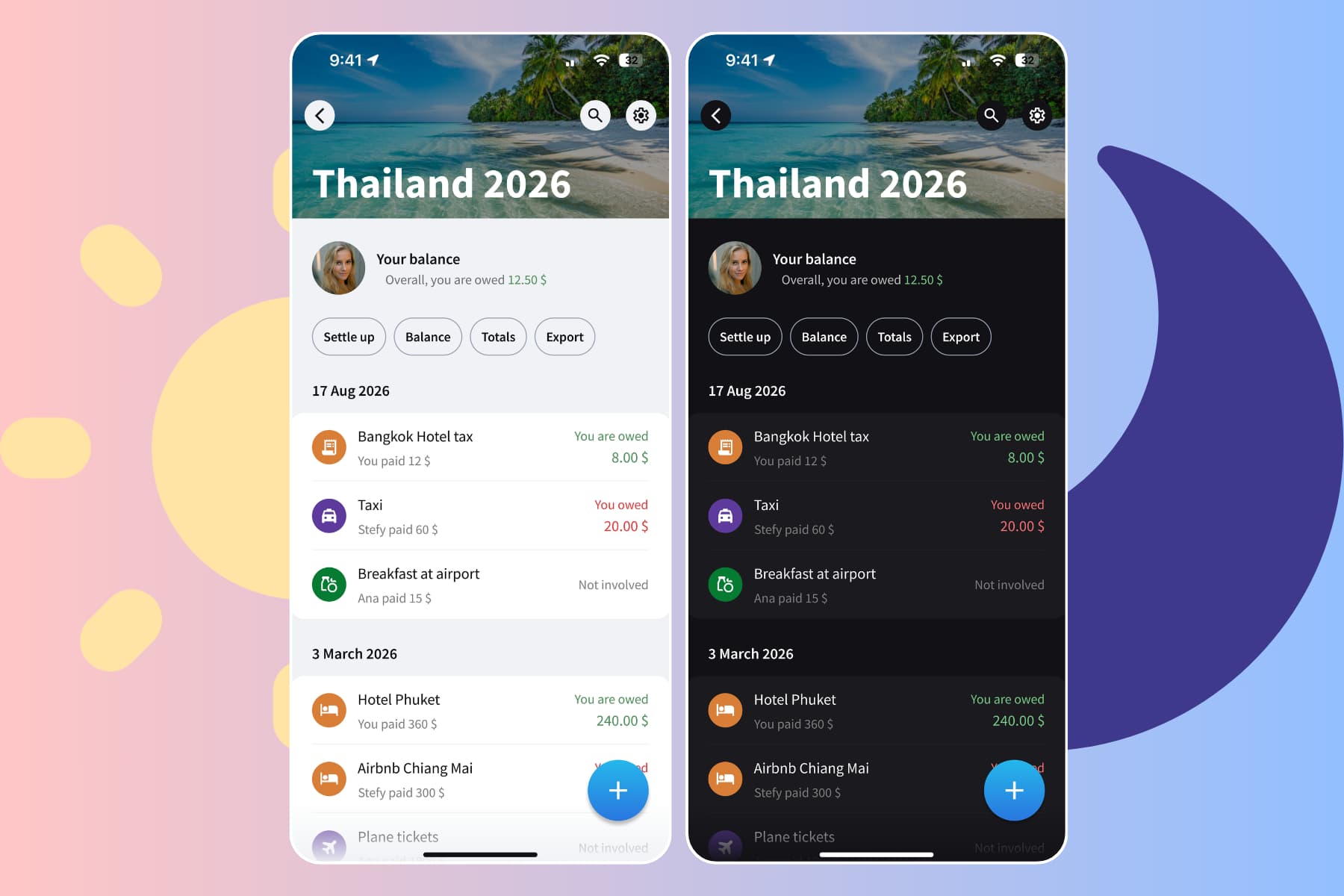
Splital now has a light mode. Follow your phone's appearance automatically, or choose Light or Dark in the app settings.
- Updates5 min read
How to add an expense with multiple payers
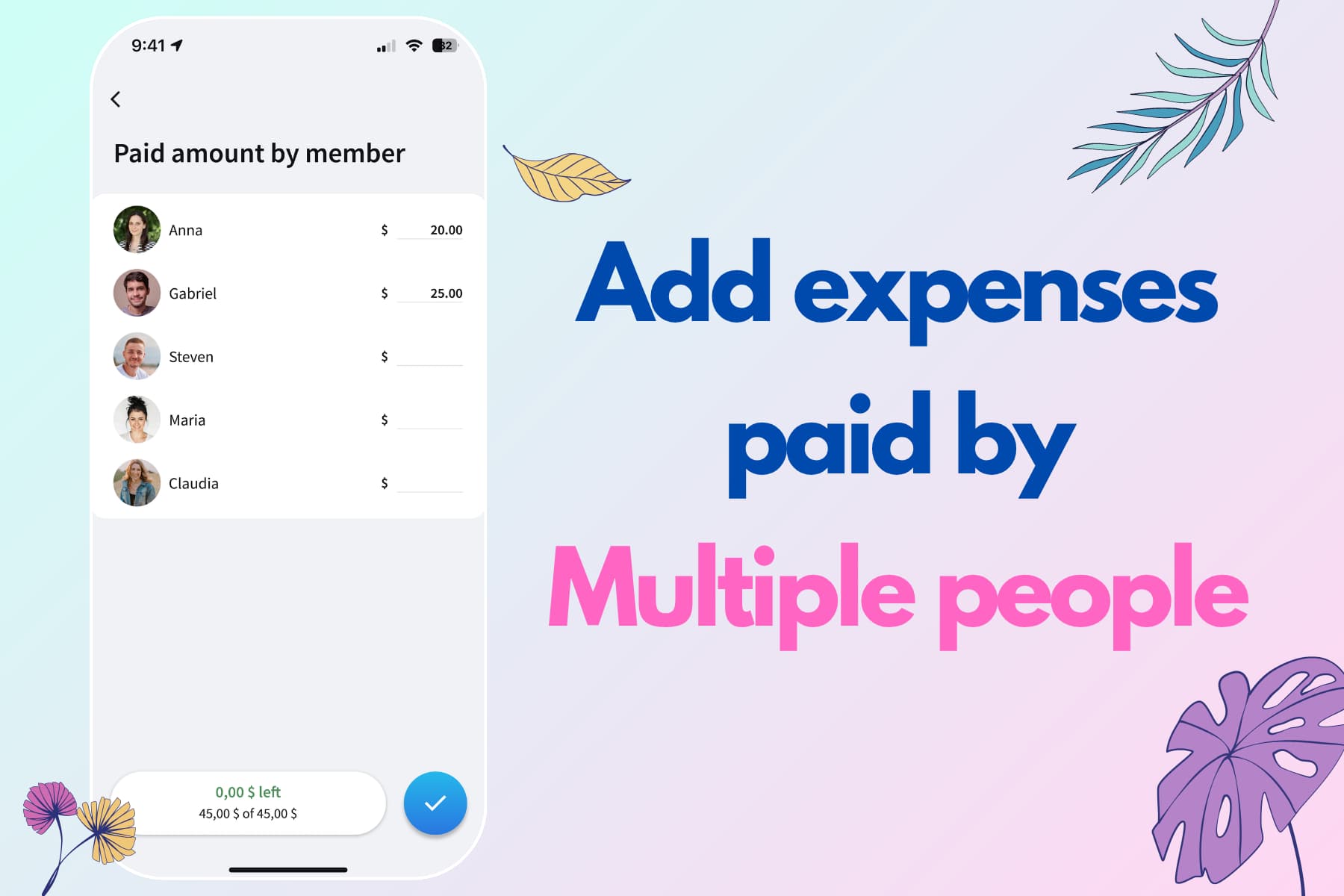
Maurizio|Sep 07, 2026More than one person paid the bill? Record everyone's contribution in a single Splital expense and split the cost however you agreed.
- Updates4 min read
How to split recurring expenses automatically
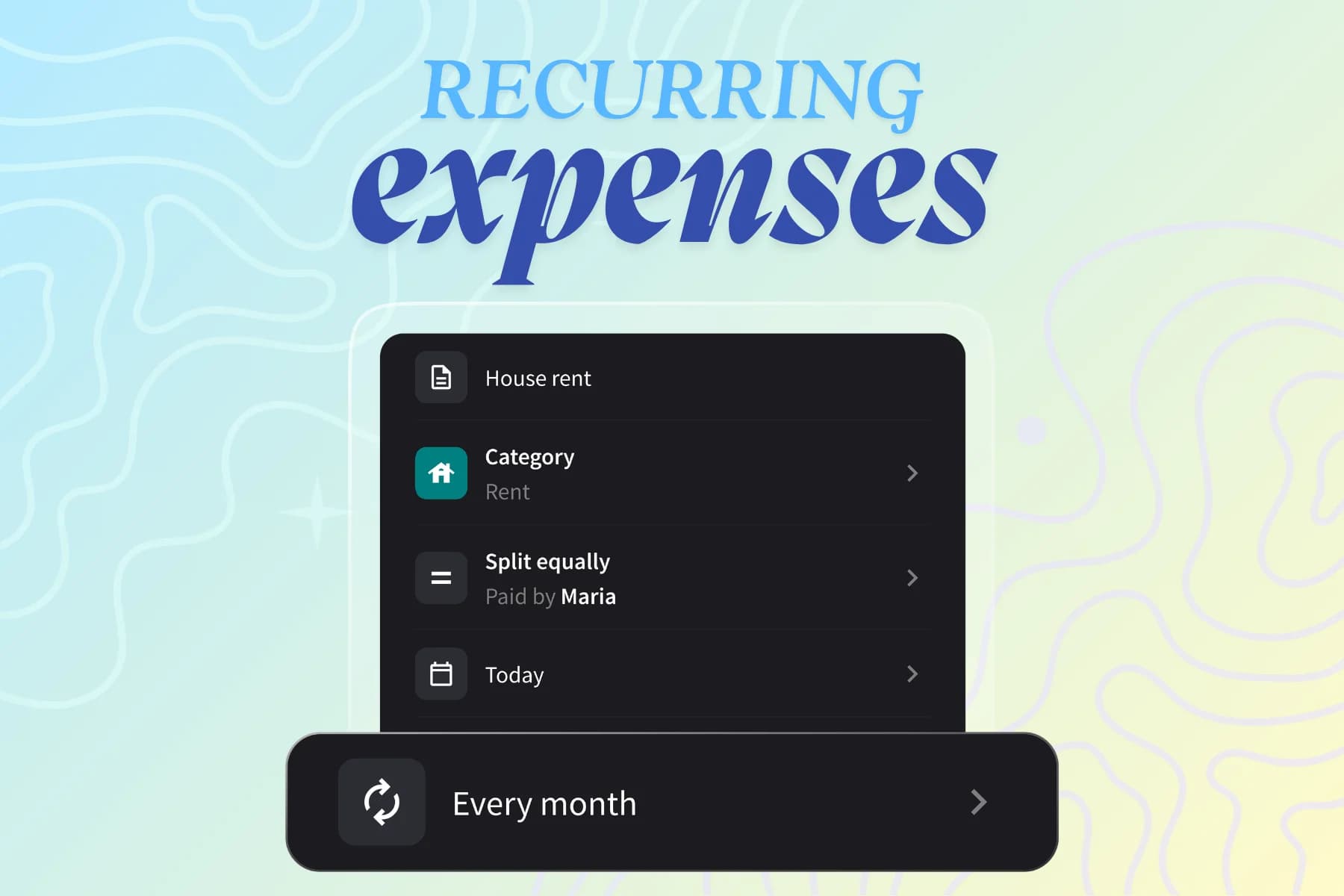
Maurizio|Sep 07, 2026Stop re-adding the same bills every month. Set an expense to repeat daily, weekly, monthly, or yearly in Splital and it's added automatically.
- Updates4 min read
Track and split expenses offline without internet
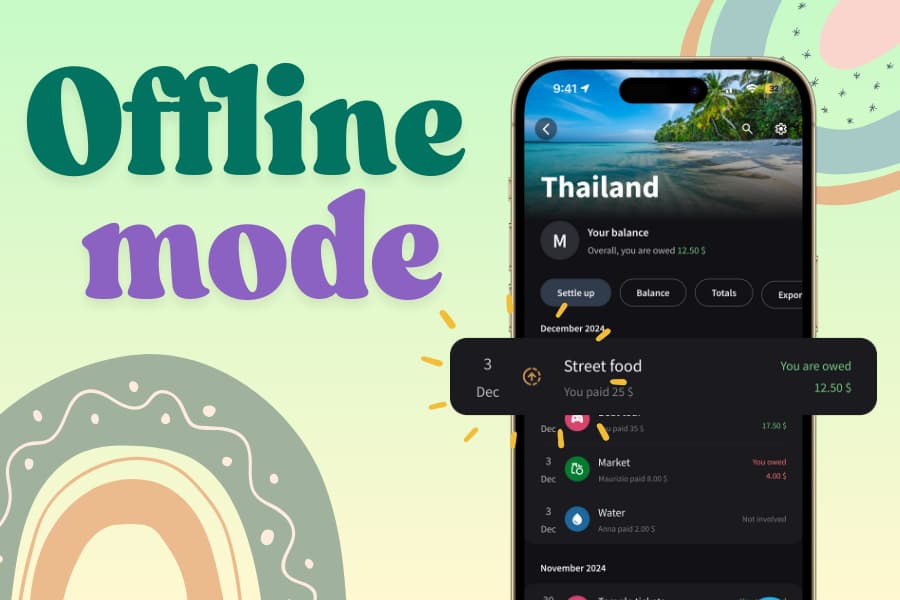
Maurizio|Sep 07, 2026Add expenses instantly, even offline. Splital now stores your expenses and syncs them automatically when you're back online.
- Updates5 min read
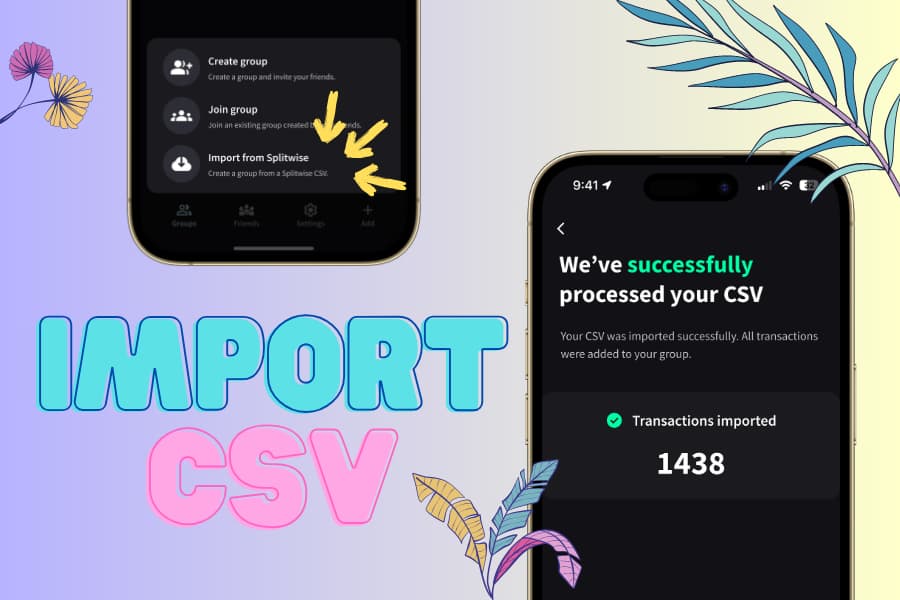
How to import Splitwise groups to Splital
Maurizio|Sep 13, 2026Bring years of expenses from Splitwise to Splital in seconds. Import any group, keep all your data, and unlock better categorization and features for free.
- Updates4 min read
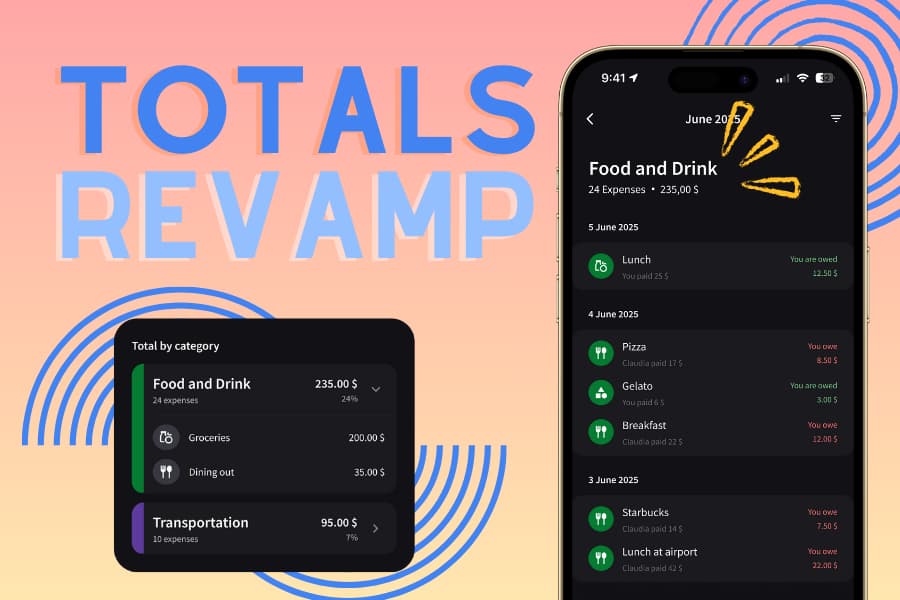
Track personal spending with subcategory breakdowns
Maurizio|Sep 07, 2026Splital's Totals feature now breaks down your expenses by subcategory, separates personal from group spending, and lets you tap any total to see the expenses behind it.
- Updates5 min read
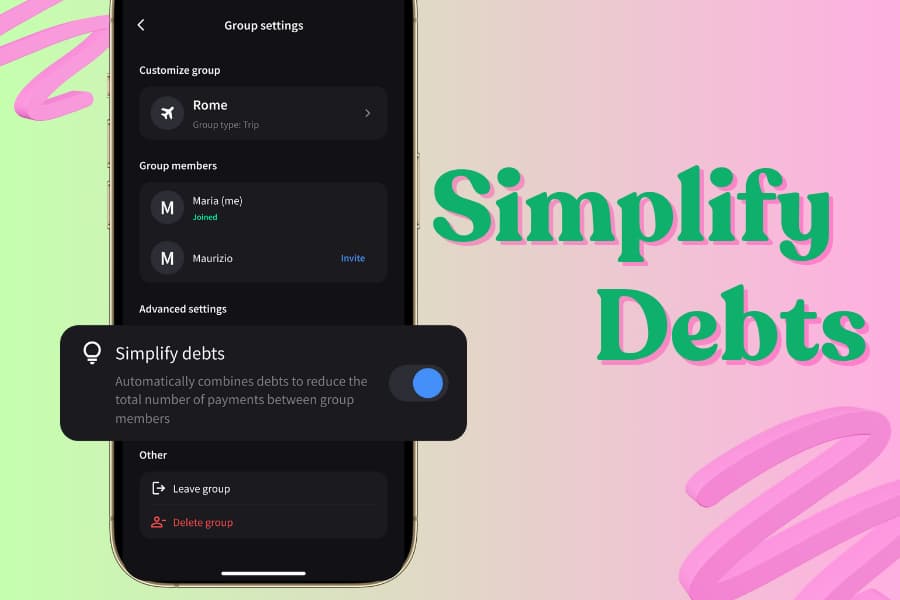
How to simplify debts in group expenses
 Maria|May 26, 2026
Simplify Debts combines group debts to minimize payments and settle up faster. Turn it on per group, or keep debts separate.
- Updates4 min read
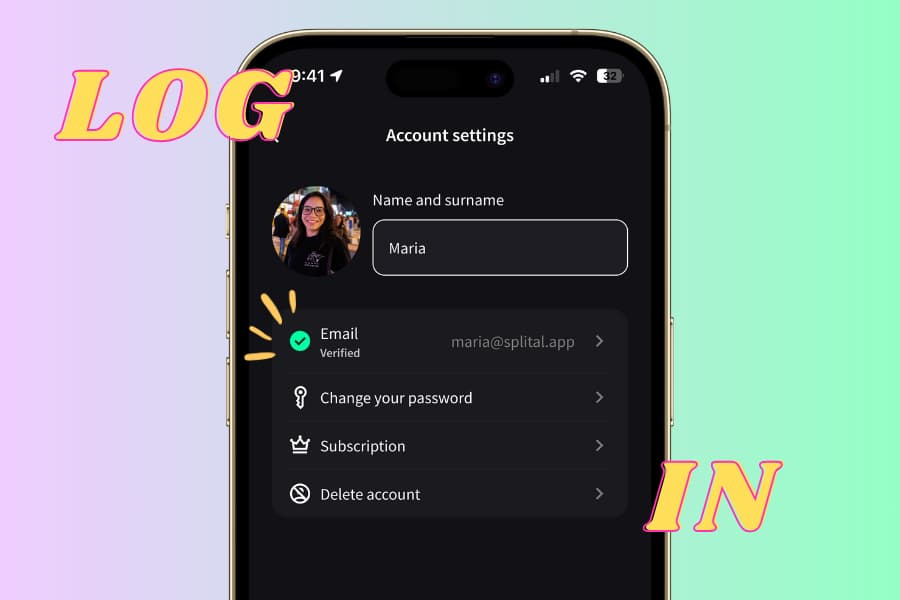
Create your account and sync expenses across devices
Maria|May 26, 2026Splital now supports email and password accounts so you can log in from multiple devices and keep your data in sync, on Android and iPhone.
- Updates3 min read
A calmer look for Splital: from red to blue
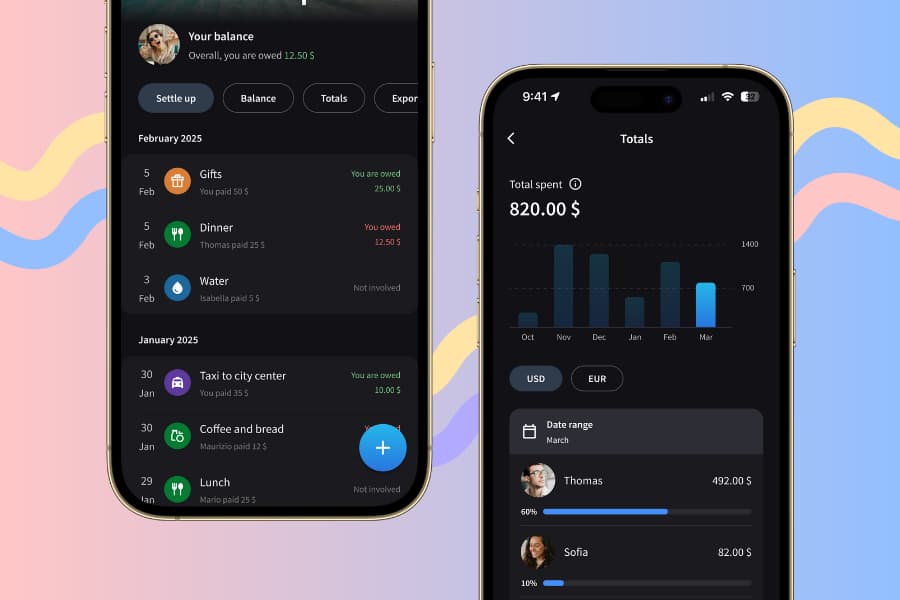
Maria|Jun 21, 2026Why Splital moved from red to blue: the science behind color choice and how the new palette makes managing shared expenses feel calmer.
- Updates4 min read
How to set a default expense split for your group
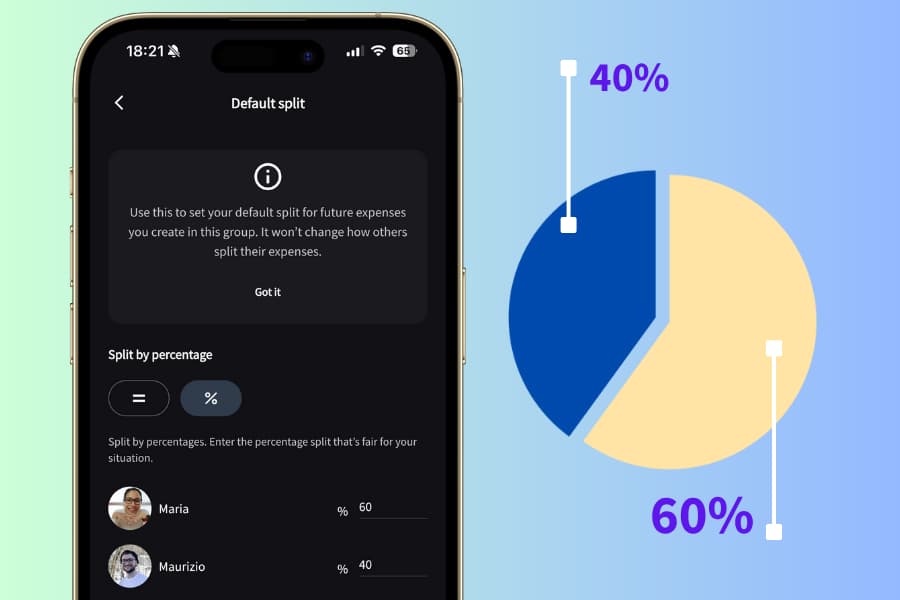
Maria|May 26, 2026Stop setting the same split every time. Set a default expense split once in Splital and it applies automatically to every new expense in that group.
- Updates3 min read
How to add notes to any expense
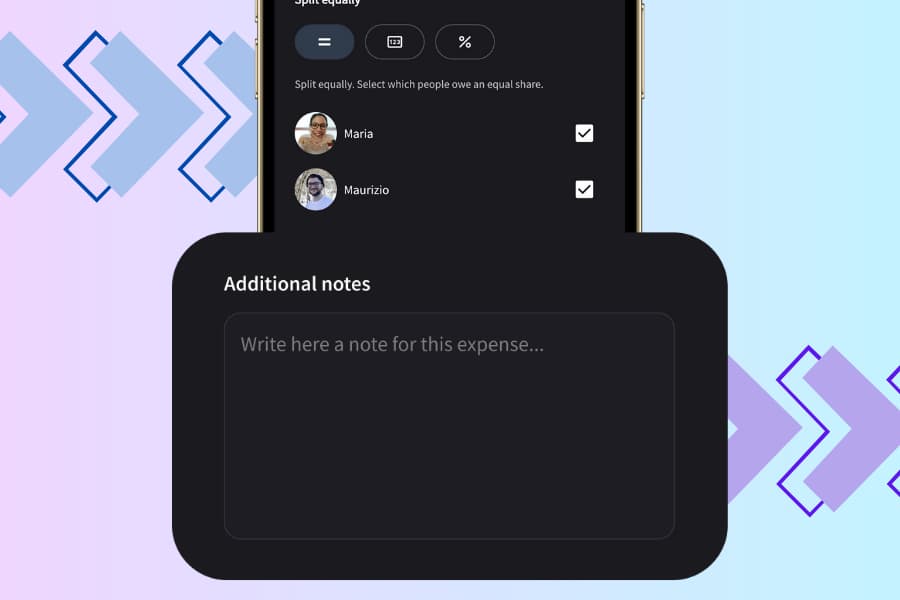
Maria|May 26, 2026Splital now lets you add notes to your expenses. Keep important details saved and make your group expenses even clearer.
Available on Android and iPhone. No account needed.