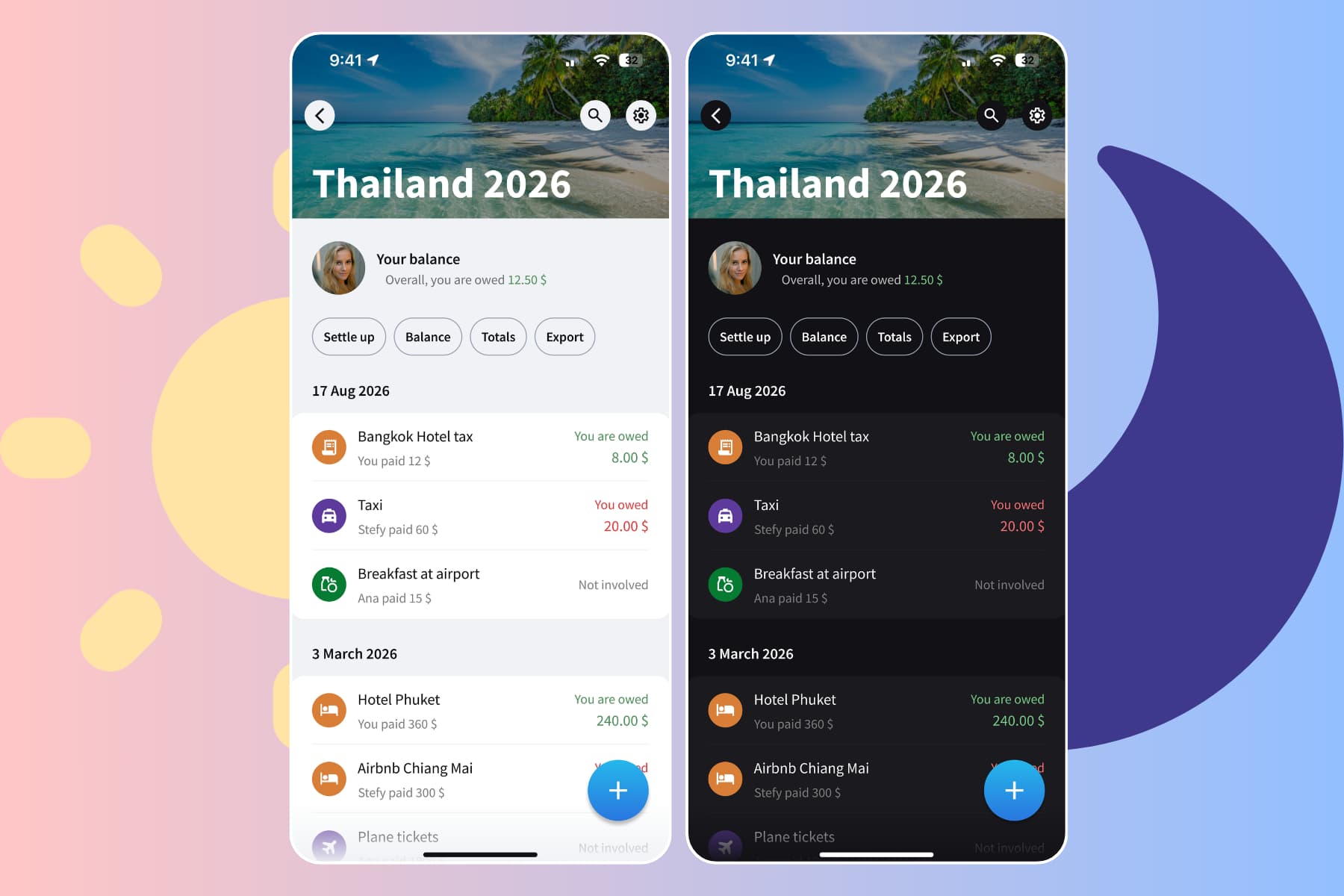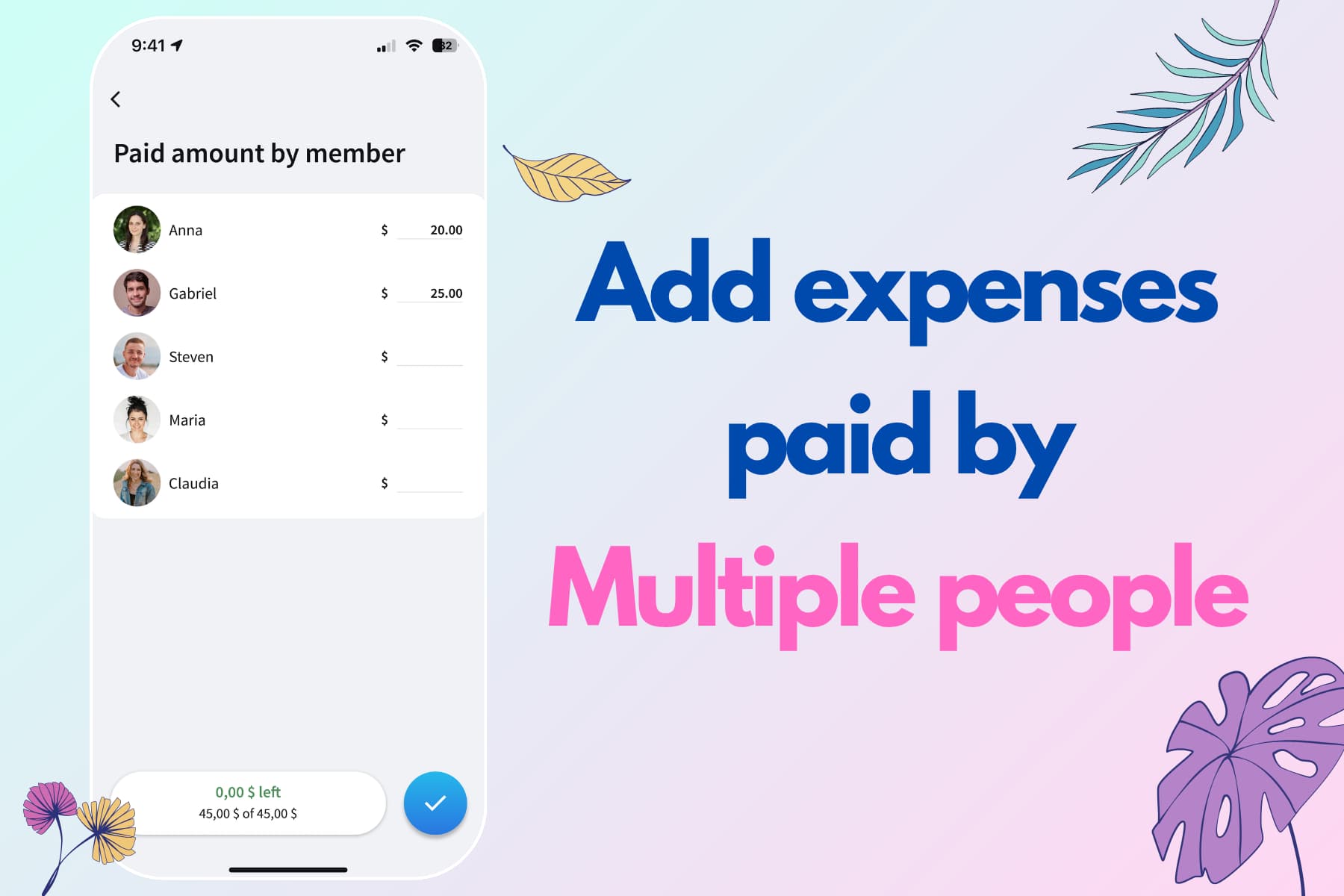
You can now bring your Splitwise groups to Splital in just a few clicks. All your expenses, all your history, completely free.
Many of you have already made the switch to Splital but miss having your old Splitwise expense history in one place. And when you recommend Splital to friends, the biggest objection is always the same: "But all my groups are in Splitwise."
Nobody wants to abandon years of carefully tracked expenses or start from scratch. That's why we built a way to bring everything over in seconds.
Why people are moving to Splital
Splitwise used to be the go-to app for splitting expenses, but things have changed. Their free tier now limits you to just three expenses per day, and you also need to wait 10 seconds when adding expenses. For anyone actively tracking shared costs with roommates, on trips, or in daily life, that's simply not enough.
Meanwhile, Splital offers unlimited expenses, along with features like automatic categorization, expense notes, default splits, and search expenses, all for free. We built Splital to be the app we wished existed, and we're not putting core features behind paywalls.
If you want to go deeper, our personal spending statistics (part of Splital PRO) are much more powerful and accurate, showing you exactly where your money goes, broken down by category, subcategory, and member.
For a side-by-side look at features, pricing, and what each app does best, check out our Splitwise alternative page.
How the import works
Importing your Splitwise group takes less than a minute. Here's how:
Step 1: Export from Splitwise
Open the Splitwise group you want to import. Tap "Export" and save the CSV file to your phone.
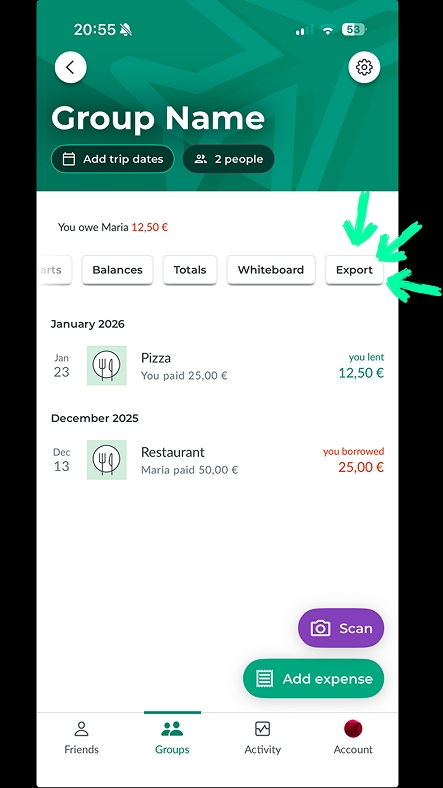
How to export a Splitwise group.
Step 2: Create a group in Splital
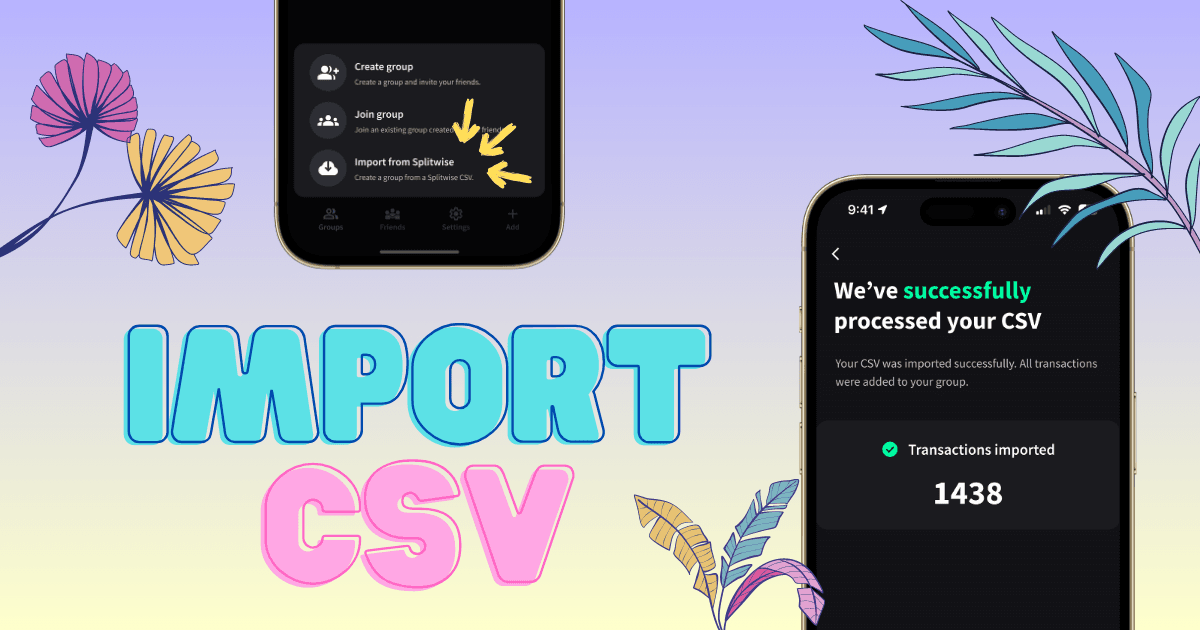
In Splital, tap the + button in the bottom navigation bar and select "Import from Splitwise." Give your group a name, image, and choose the group type (trip, home, or other).
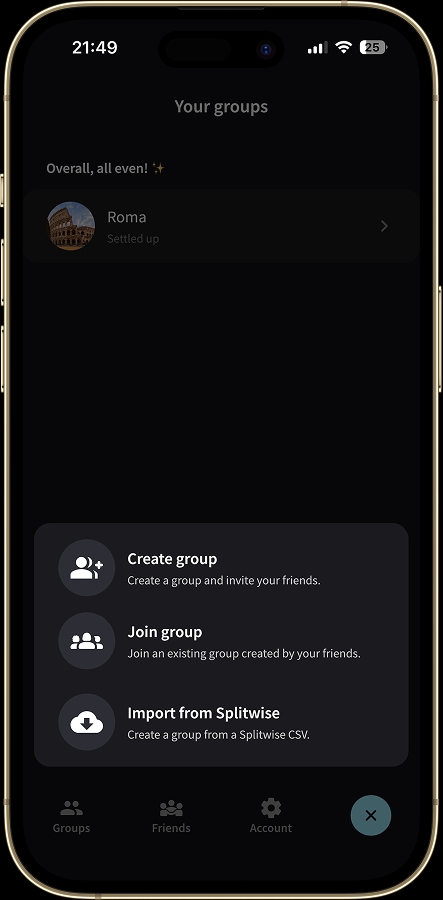
Tap the + button to access the "Import from Splitwise" option.
Step 3: Upload the CSV
Select the CSV file you just exported from Splitwise, and that's it. Splital will import all your expenses in seconds.
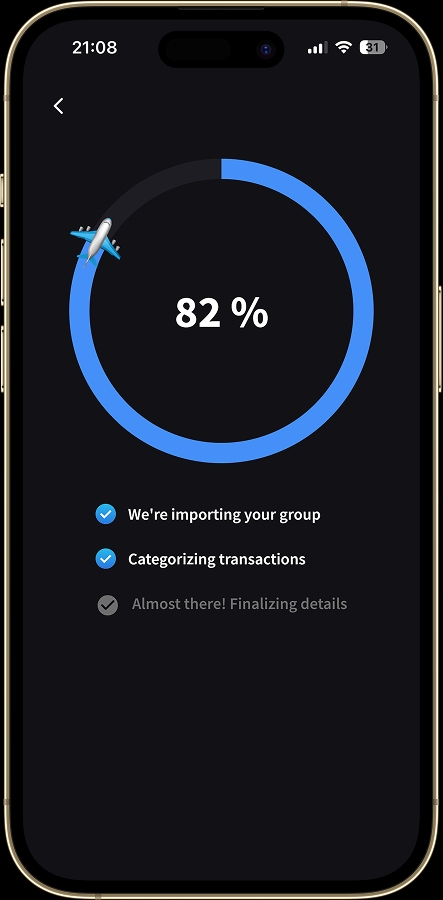
Splital importing a Splitwise group.
Even if your group has hundreds or thousands of expenses, the import happens instantly. Once imported, you can immediately explore your group, view balances, and browse expenses.
In the background, Splital will automatically categorize all your expenses. This can take a couple of minutes for very large groups, but you don't have to wait. You can start using the group right away while categorization happens behind the scenes.
Everything transfers over
When you import a group, Splital brings over all the important details: dates, amounts, who paid, how expenses were split, settle-ups, and everything else. Your imported expenses work exactly like native Splital expenses. You can edit them, add notes, change categories, attach images, or delete them. There's no difference between an imported expense and one created directly in Splital.
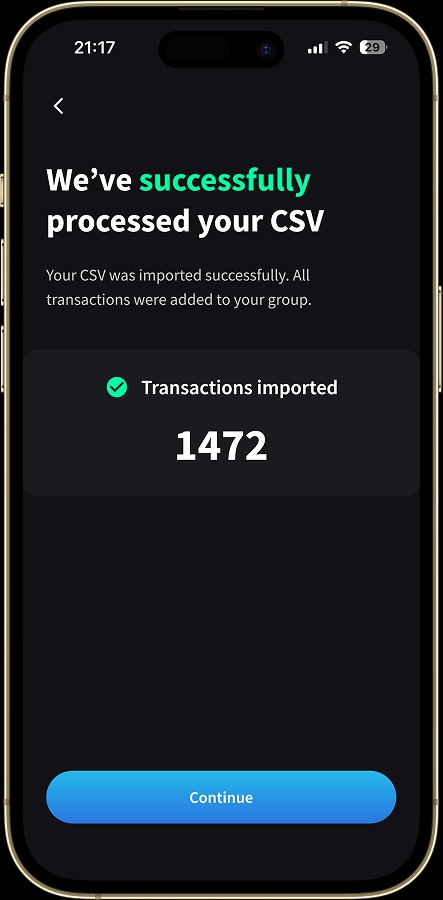
Import complete. 1,472 expenses brought over in seconds.
If the CSV contains any rows that can't be imported due to formatting issues, Splital will show you exactly which ones so nothing gets lost. You'll have full control over your data.
Better categorization, better insights
Here's where things get interesting. Splital's automatic categorization is significantly more accurate than Splitwise's. While Splitwise dumps most expenses into the "General" category, Splital actually understands what you're spending on.
We imported our own Splitwise group, which we were using before we built Splital. For March 2021 alone, Splitwise categorized 88% of expenses as "General." That's not helpful when you're trying to understand your spending.
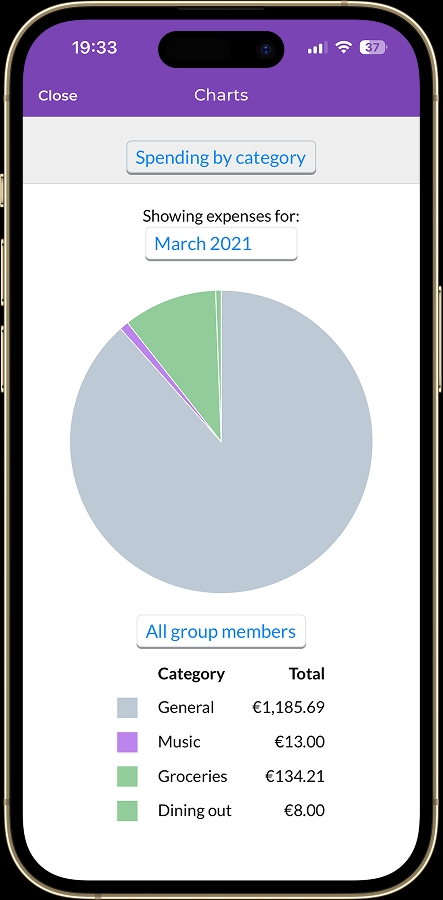
Splitwise categorized 88% of our March 2021 expenses as "General".
When we imported the same group into Splital, our automatic categorization reduced that "General" percentage to just 22%. Our expenses were accurately sorted into Food and Drink, Home, Utilities, and other meaningful categories with proper subcategory breakdowns.
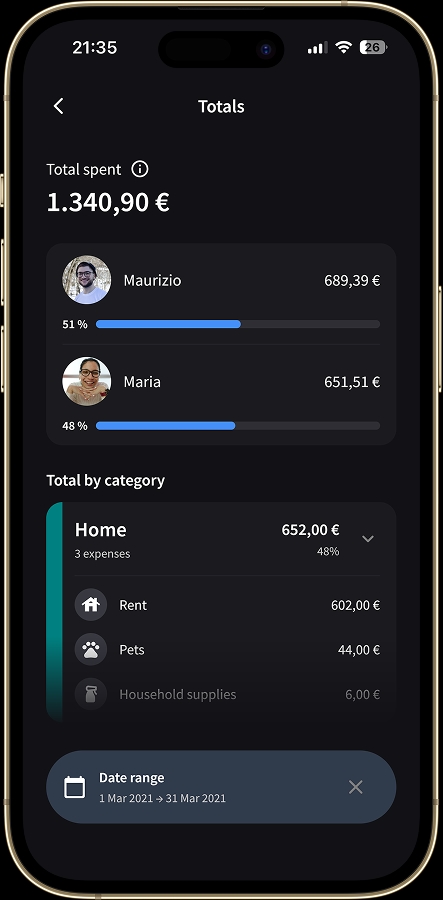
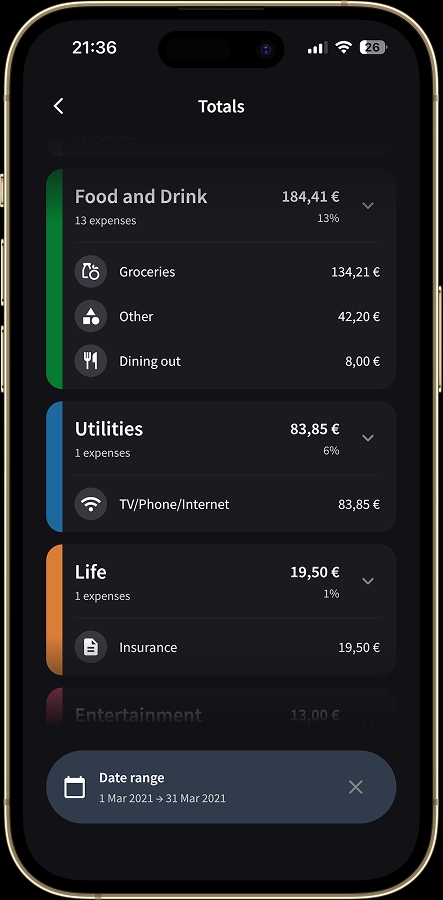
Splital accurately categorized the same expenses, with only 22% remaining as "General".
That's the difference between vague data and actionable insights. With Splital, you can actually see where your money is going.
Frequently asked questions
Is importing from Splitwise free?
Yes. Importing your Splitwise groups into Splital is completely free, no subscription required. There's no limit on how many groups you can bring over.
How long does the import take?
The import itself happens in seconds, even for groups with thousands of expenses. Automatic categorization runs in the background and can take a couple of minutes for very large groups, but you can start using the group right away while it's running.
What happens if some expenses can't be imported?
If a row in the CSV can't be imported due to formatting issues, Splital will show you exactly which ones so nothing gets lost without you noticing. You keep full control over your data.
We're here to help
Switching apps can feel intimidating, especially when years of data are involved. But we've worked hard to make this process as smooth as possible. If you run into any issues or have questions, reach out to us directly at [email protected]. We read every message and we're always happy to help.
If you've been thinking about leaving Splitwise or if you want to recommend Splital to friends who are still using it, now's the time. Bring over your groups, keep your history, and experience what expense tracking should feel like.
Maria & Maurizio