Split expenses, stress-free
Create groups, add expenses, and let Splital figure out who owes what. Free, with no ads and no limits.


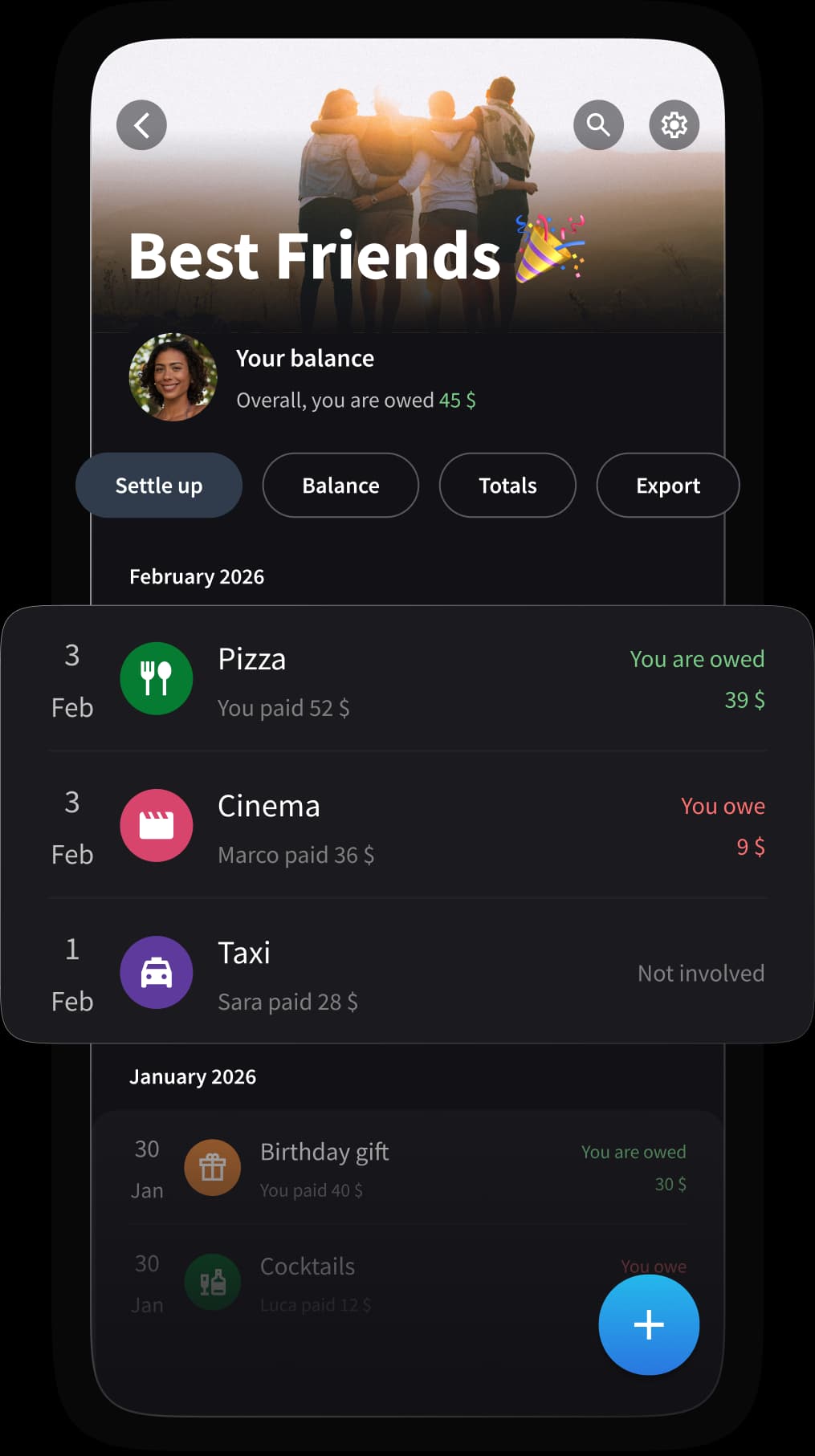
Perfect for every situation
Couples
Track shared bills, groceries, and daily expenses. Always know who paid what, without the awkward conversations.
Travelers
Split hotels, meals, and activities across multiple currencies. Settle up at the end of the trip with ease.
Roommates
Manage rent, utilities, and household expenses. Keep everything fair and transparent, month after month.
Everything you need to split expenses
Powerful features, all designed to make sharing expenses simple.
Unlimited expenses
Add as many expenses as you want, every day. No daily limits, no restrictions.
Flexible splits
Split equally, by percentage, or by exact amounts. You decide how to share.
Works offline
Add expenses even without internet. Everything syncs automatically when you're back online.
Settle up easily
See who owes what at a glance and record payments with a single tap.
Default splits
Set your preferred split once and Splital applies it to every new expense automatically.
Simplify debts
Reduce the number of payments in your group. Splital automatically calculates the most efficient way for everyone to settle up.
Auto categories
Every expense is automatically categorized, so your spending statistics are always accurate.
Spending statistics
See where your money goes with detailed breakdowns by category, subcategory, and person.
Export PDF/CSV
Export your expenses as PDF or CSV files. Perfect for keeping records or sharing with others.

Built by people like you
We're Maria and Maurizio, the founders of Splital. We built this app because we needed a better way to split expenses, from trips to everyday bills at home. We use it ourselves, every day.
Splital is entirely self-funded and proudly supported by our users. We don't show ads, we don't have investors, and we keep all the core features free. Your feedback directly shapes what we build next.
Today, Splital has over 150.000 users and a 4.8/5 average rating across Android and iOS.
2.500+ reviews. Here's what they say
“This app saved my marriage”
“The best app to split expenses!!”
“Excellent for organizing trips and expenses”
“Has everything a bill-splitting app should have, with a top-notch interface”
“Amazing design and UX, works perfectly and is easy to use”
“I'm using it for a trip with friends and it's excellent. Clear accounts, long friendships...”
“This app saved my marriage”
“The best app to split expenses!!”
“Excellent for organizing trips and expenses”
“Has everything a bill-splitting app should have, with a top-notch interface”
“Amazing design and UX, works perfectly and is easy to use”
“This app saved my marriage”
“The best app to split expenses!!”
“Excellent for organizing trips and expenses”
“Has everything a bill-splitting app should have, with a top-notch interface”
“Amazing design and UX, works perfectly and is easy to use”
“I'm using it for a trip with friends and it's excellent. Clear accounts, long friendships...”
“We love this app! We use it at home to stay on top of things day to day.”
“Very good and easy to use. I use the free version and it's excellent.”
“Has everything you need: free, easy to use, runs smoothly, groups, nice design. I don't need Splitwise anymore :)”
“I've tried so many apps like this, and I can honestly say this is one of the best. Well made and has everything. Great work, developers!”
“I'm using it for a trip with friends and it's excellent. Clear accounts, long friendships...”
“We love this app! We use it at home to stay on top of things day to day.”
“Very good and easy to use. I use the free version and it's excellent.”
“Has everything you need: free, easy to use, runs smoothly, groups, nice design. I don't need Splitwise anymore :)”
“I've tried so many apps like this, and I can honestly say this is one of the best. Well made and has everything. Great work, developers!”
Why people are switching from Splitwise
Unlimited expenses for free
No daily limits, ever. Splitwise limits free users to 3 expenses per day.
No timers, no waiting
Splitwise makes you watch a 10-second timer every time you add an expense. Splital? Instant, every time.
Smarter categorization
Advanced automatic categorization that makes your spending statistics actually useful.
Import your Splitwise groups
Switching is easy. Import all your groups and expense history from Splitwise in just a few taps.
Frequently Asked Questions
Splital Pro is an optional subscription that unlocks extra features like advanced charts and detailed spending statistics.
Going Pro is also a way to support the development of Splital and help us stay independent.
Splital gives you more features for free than other apps, including Custom Default Splits and the ability to enable or disable Simplify Debts, which are often missing elsewhere.
We also care about your privacy: no ads, and you can use the app without creating an account.
With Splital Pro, it goes even further: advanced charts and detailed analytics help you understand exactly where your money goes, broken down by category, time period, and group member.
Yes, just type their name and you can start splitting expenses with them. They don't need to install Splital or create an account.
This is great for splitting with people who aren't into apps, like parents or grandparents. They can always join later if they want, but it's totally optional.
Download Splital for free