You're hiking in the mountains. You stop for lunch at a remote cabin. The bill arrives, and you want to log it in Splital. But there's no signal.
Before today, that meant waiting until you got back to civilization, trying to remember the details later, or writing it down somewhere else. Not ideal when you're trying to enjoy your trip.
That changes now. Splital works completely offline. Add expenses anywhere, anytime, and everything syncs automatically when you're back online.
How offline mode works
The new offline functionality is designed to feel completely instant. Here's what happens.
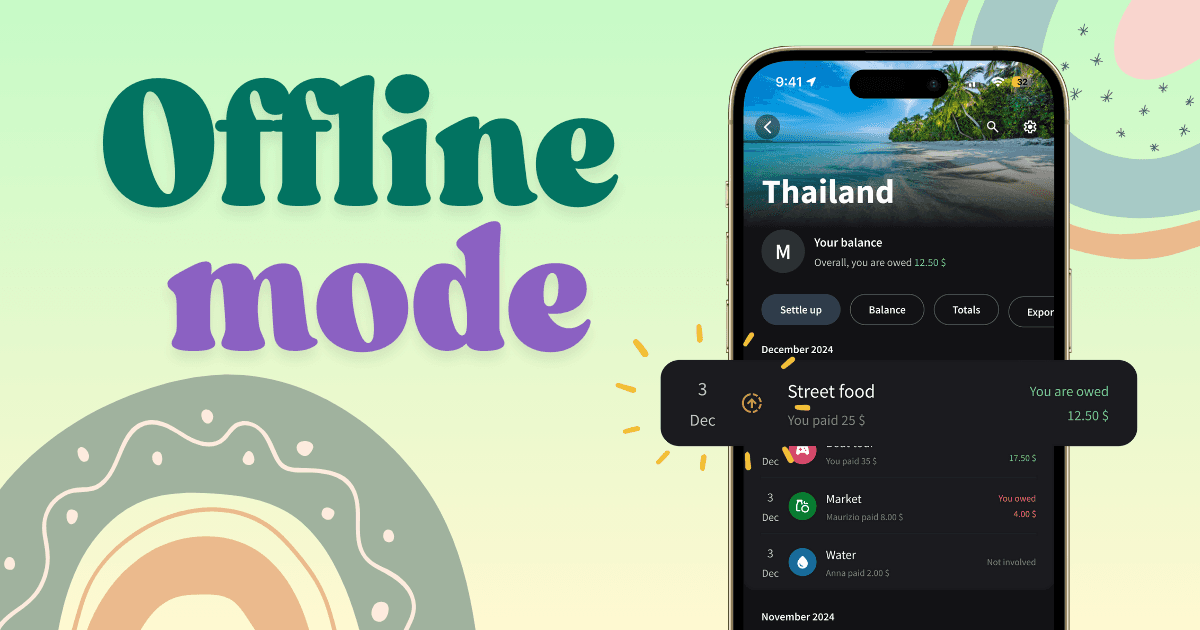
When you add an expense without internet, the expense appears instantly in your group with a small orange icon showing an upward arrow. This icon means the expense is waiting to be synced.
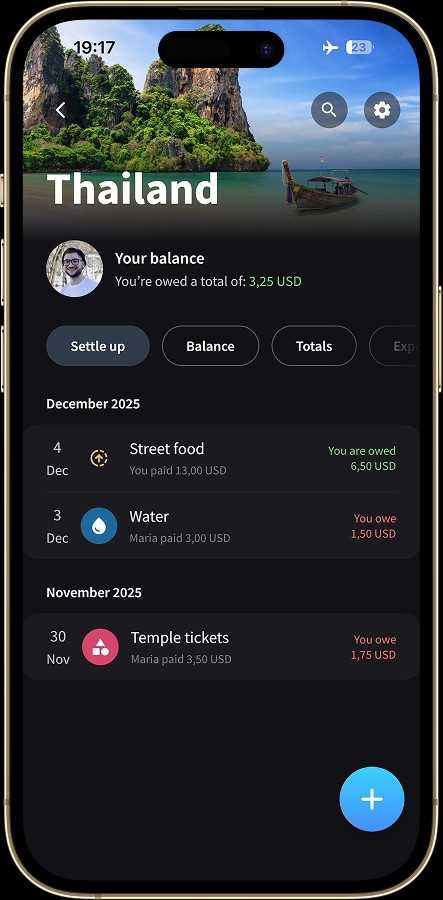
Offline expenses appear instantly with an orange icon.
You don't have to wait. You don't see a loading spinner. The expense is there, ready for you to review, edit, or reference. Your balances update immediately to reflect the offline expense, so you always know who owes what, even without a connection.
As soon as your phone reconnects to the internet, Splital automatically syncs all your expenses in the background. You'll see the orange icon disappear and be replaced by the regular category icon.
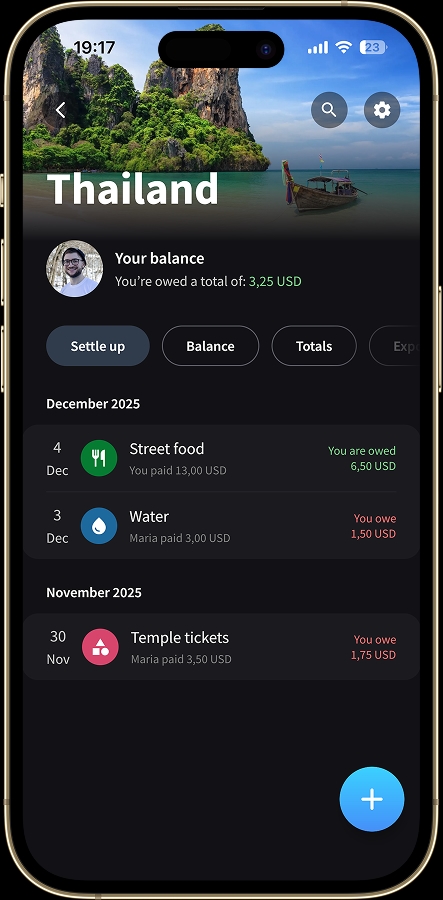
Once you're back online, the orange icon is replaced by the usual category icon.
A faster experience for everyone
Even if you always have a stable connection, you'll notice the difference. Adding an expense is now instant. No more waiting for the loading screen to disappear. You tap save, and the expense is there. The entire app feels faster and more responsive.
Combined with Default Split and Simplify Debts, offline mode makes Splital perfect for traveling, even when you're somewhere with poor connection.
Frequently asked questions
Does Splital work offline?
Yes. You can add, edit, and view expenses without an internet connection. Each offline expense appears instantly in your group with an orange upload icon, your balances update straight away, and everything syncs automatically the moment your phone is back online.
What does the orange icon next to an expense mean?
The orange icon with an upward arrow means the expense was added offline and is waiting to sync. As soon as your phone reconnects to the internet, Splital syncs it in the background and the orange icon is replaced by the usual category icon.
Will my friends see offline expenses before they sync?
Not until your phone reconnects. Offline expenses live on your device only until they are uploaded, then they appear for everyone in the group. Your own balance updates immediately, so you always know who owes what.
Can I edit or delete an offline expense before it syncs?
Yes. Offline expenses behave like any other expense, you can edit the amount, change the category, add notes, or delete them before they sync. The final version is what gets uploaded to the group.
Is offline mode free?
Yes. Offline mode is part of Splital's free feature set, no subscription needed. See pricing for the full list of what's included.
Keep the feedback coming
This feature exists because you told us it was important. Your feedback shapes everything we build, and we're grateful for every suggestion, bug report, and feature request you send our way.
If you have ideas for what we should work on next, reach out at [email protected] or use the "Suggest Feature" button in the app settings. We read every message.
Download the latest version of Splital and try offline mode yourself. Whether you're traveling through remote areas or just dealing with spotty subway signal, Splital now works wherever you are. If you love the app and want to support us, leaving a review on the Play Store or App Store makes a huge difference. It helps other people discover Splital and shows us that we're building something you actually value.
To the next update!
Maria & Maurizio