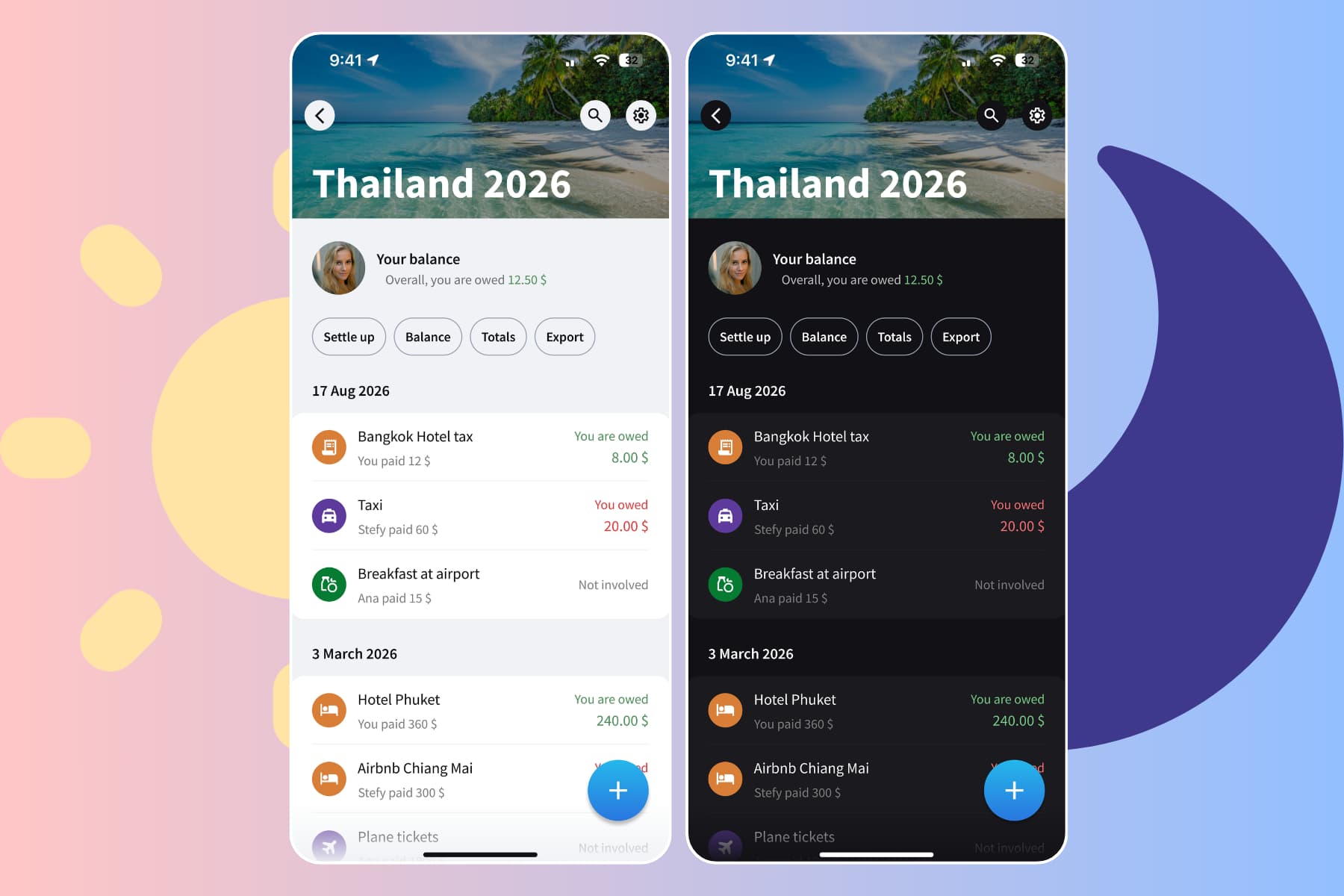
Splitwise and Tricount are apps for splitting expenses with friends, a partner, or roommates. Whether you're sharing rent or traveling together, both help you track who paid, divide the costs, and see who owes whom.
We tested both apps and compared their free plans, features, and everyday usability. Below, we'll look at where each app is better, with examples from our own experience.
At a glance
Splitwise is more advanced, but unlimited expenses, expense search, and other features require paying for a Pro subscription.
Tricount is missing several features, but it's completely free.
- Choose Tricount if you want a completely free app with unlimited expenses and basic features.
- Choose Splitwise for recurring bills, expenses paid by multiple people, CSV exports, and a web app.
Splitwise vs Tricount: the quick comparison
Both apps track who paid, divide shared costs, and calculate who owes whom. Splitwise offers more features, while Tricount's features are all free.
| Feature | Splitwise | Tricount |
|---|---|---|
| Unlimited expenses per day | Pro | Free |
| Recurring Expenses | Free | Missing |
| Custom Default Split | Pro | Missing |
| Percentage splits | Free | Missing |
| Multiple payers | Free | Missing |
| Combined balances across groups | Free | Missing |
| Disable Simplify Debts | Free | Missing |
| Search expenses | Pro | Free |
| Image attachments | Free | Free |
| Add notes to expenses | Free | Missing |
| Export to CSV | Free | Missing |
| Statistics and charts | Limited | Limited |
| Currency conversion | Pro | Free |
| Web app | Free | Missing |
| Works offline | Free | Free |
Comparison reviewed on October 1, 2026, using our experience, product checks, and official documentation. Features, subscription options, and prices can vary by country and platform.
Are Splitwise and Tricount free?
Splitwise has a free plan and a paid Pro subscription, billed monthly or annually. Pro unlocks features such as expense search, currency conversion, and a saved default split.
Tricount's features are free, with no paid upgrade. It's owned by bunq, a Dutch bank, and the app promotes bunq's card. You don't need the card or a paid subscription to use the app.
Where Tricount is better
Unlimited expenses for free
Tricount lets everyone add unlimited expenses for free.
With Splitwise, we encountered a limit of 3 expenses per day. We tried taking turns when adding expenses, but that wasn't enough for us, especially when travelling, and it became another task to coordinate.
If your group records lots of small purchases throughout the day, Tricount's unlimited expenses make an important difference.
Try the app before registering an account
Splitwise requires an account to use the app. You need an email address to register, and the app also asks for your phone number, though that's optional.
Tricount lets you create your first group without registering. However, when we tried to create a second group, the registration screen appeared, asking for our email address.
Both apps want your email address for long-term use, but Tricount at least gives you the opportunity to evaluate the app before giving away your email address.
Add people by name
Tricount lets you add people by typing their names and start recording expenses. That's useful on a trip where some people are not comfortable with technology and won't use the app themselves.
Splitwise instead asked for our friend's email address. You can also find existing users through phone contacts, so setup is easier when your friends already use Splitwise and have added their phone numbers to their Splitwise accounts.
We preferred being able to add everyone by name and start recording expenses in Tricount.
Free currency conversion
Both apps let you record expenses in different currencies for free, which is useful when a trip includes costs in euros, pounds, or dollars.
Splitwise keeps each currency's balance separate by default. Converting them into one currency requires Pro.
Tricount includes currency conversion for free and shows repayments in the group's main currency. So you can add expenses in the currency you paid and still settle up in one currency.
Where Splitwise is better
Recurring bills for couples and roommates
Splitwise lets you set up rent or any shared expense once, then adds it automatically on a schedule for free.
Tricount requires you to add each bill manually.
For a weekend away, that's unlikely to matter. For couples splitting rent, internet, and several shared subscriptions, it becomes a task you repeat every month and might forget to do.
Percentage splits
Both apps let you split expenses equally, by exact amounts, or by shares, all for free. You can divide a bill evenly or adjust how much each person owes.
Splitwise also offers percentage splits for free, so you can enter 60% and 40% directly. Tricount doesn't have a percentage option, so you're forced to use shares even when they are less intuitive.
Saving your preferred split
Splitwise lets you save a Custom Default Split with its Pro version. Tricount doesn't offer a reusable custom split.
If you and your partner always split everything 60%/40%, you can set it once, and Splitwise will apply it automatically to all future expenses.
In Tricount, you need to set the split every time. It's easy to forget and leave a bill split 50/50 when that isn't what you agreed on.
When two people pay the same bill
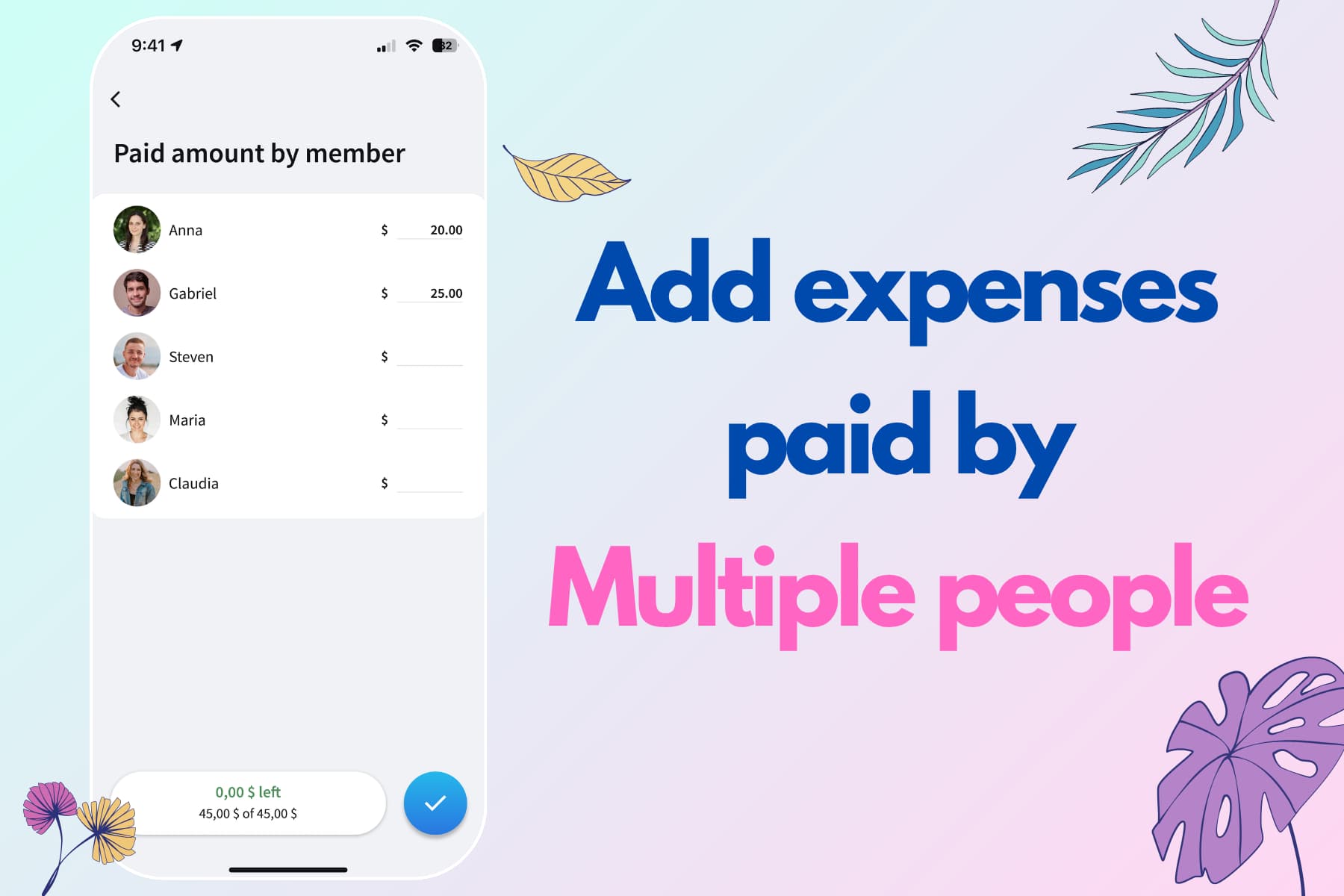
Splitwise also supports expenses paid by multiple people. Tricount doesn't.
For example, you pay €10 and your partner pays €5 toward a €15 bill that you want to divide equally. Each person's share is €7.50, so your partner owes you €2.50. Splitwise can do everything in one expense. In Tricount, you'll need separate expenses for the amounts each person paid.
Several groups with same people
Splitwise works better when you share several groups with the same person. It automatically aggregates that person's balances, while Tricount keeps each group's accounts separate.
Maria and I had separate groups for home and trips. Being able to see what I owed her overall was useful.
For instance, imagine these balances with the same person, all in euros:
| Group | Your balance with your partner |
|---|---|
| Home | You owe €100 |
| Summer holiday | You owe €100 |
| Weekend away | You are owed €50 |
| Overall | You owe €150 |
Splitwise shows the overall balance and lets you record a settlement across the groups. With Tricount, you need to manually calculate your balance across the groups and settle up each group individually.
Turn off Simplify Debts
Both apps can simplify debts to reduce repayments. If Alex owes Bea €20 and Bea owes Chris €20, the simplified suggestion is for Alex to pay Chris directly.
Tricount always keeps this simplification on. Splitwise lets you turn it off in the group settings.
That control matters in groups with friends of friends. Someone may prefer to repay the person who originally covered their dinner, rather than send money to someone they barely know. Direct balances can also be easier to check against individual expenses.
CSV export
Splitwise has free CSV export, which is useful if you want a spreadsheet or an independent copy of your expenses. Tricount has no in-app data export feature.
A web app
Splitwise has a free web app. Tricount doesn't have a web app for managing expenses. If you regularly review bills from your laptop, Splitwise is the clear choice between these two.
Who should use which?
Both apps split expenses well. The choice comes down to how often you record expenses and which features matter most to you.
Choose Tricount if you:
- Want unlimited expenses and free expense search without a subscription
- Need free currency conversion for a trip
Choose Splitwise if you:
- Share recurring bills or expenses paid by multiple people
- Share several groups with the same person and want one overall balance
- Want to disable simplify debts or save a custom default split
- Need CSV exports or a web app
Neither app's statistics have been a strong point for us. Tricount has basic free charts, with manual categorization. Splitwise categorizes expenses automatically, but in our experience too many end up in the generic category. We tried both free and Pro statistics in Splitwise, but we find both of them limited.
A third option: Splital
We wanted an app with a generous free plan without giving up the advanced features we needed at home and while traveling. That's why we built Splital.
Splital combines unlimited expenses and groups with free recurring expenses, saved default splits, multiple payers, search, and automatic categorization.
Registration is optional to respect your privacy. Add people by name, then share an invitation link if they want to join. When the same person joins your different groups, Splital connects their balances, so you can see what you owe them overall.
What users say about Splital
Splital has over 150,000 users and an average rating of 4.8/5 based on 2,000+ reviews. Here's how users compare Splital with Splitwise and Tricount:
“I've just started using it because Tricount doesn't suit my needs. I've finally found what I was looking for. I'm delighted. Thank you!”
“Saying it's useful for tracking shared expenses is an understatement. It's an amazing app and incredibly intuitive. It's much better than Tricount, Sesterce, and Splid.”
“This has simplified our trip expense management so much. I like it way better than Splitwise.”
“Amazing free Splitwise alternative, and the Pro version is very reasonably priced.”
Download Splital for free
Available on Android and iPhone. No account needed.