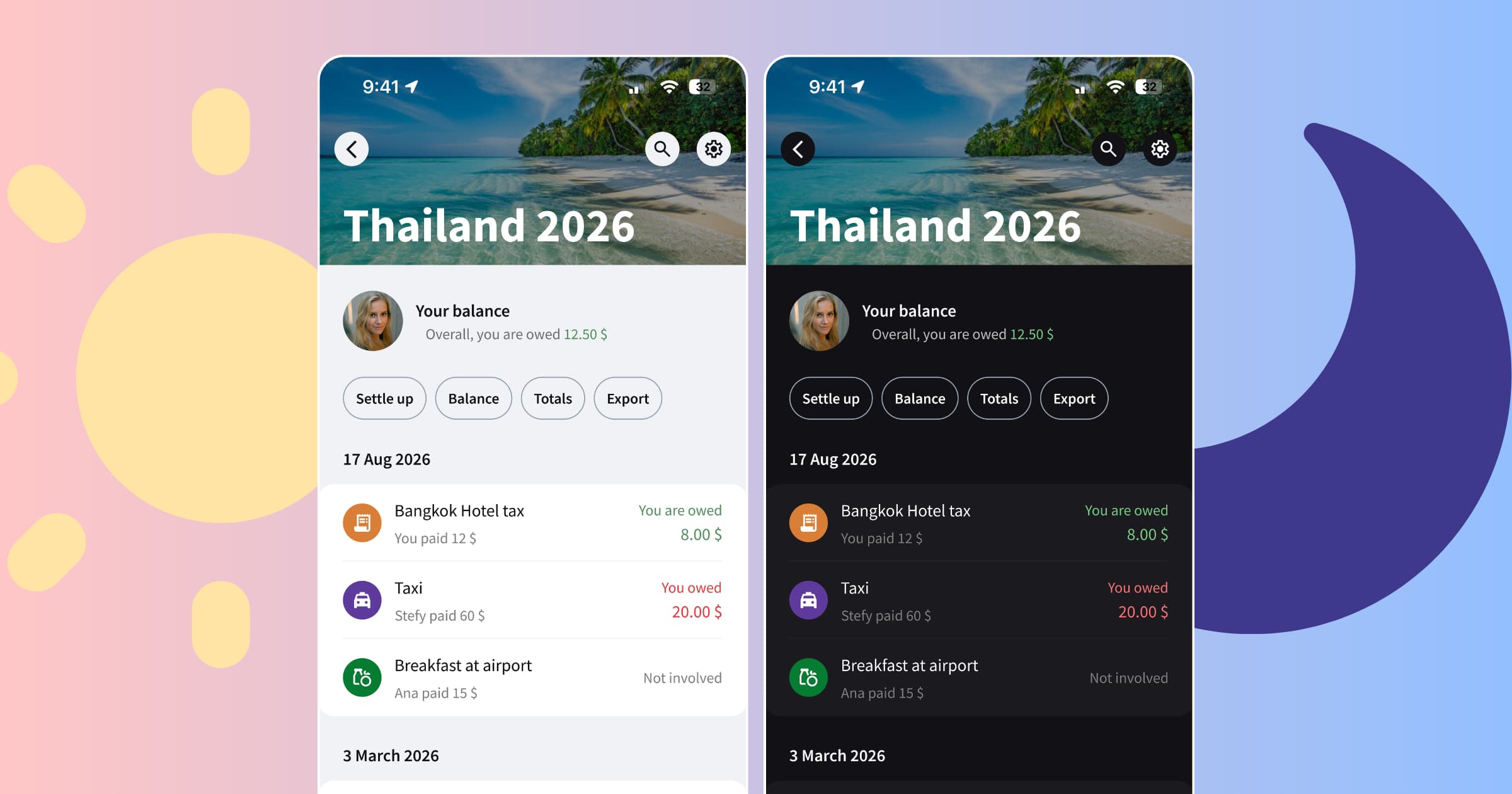
Splital now has a light mode. The app automatically follows your phone's appearance, or you can choose Light or Dark in the app settings and keep it that way. Free for everyone.
When we started Splital, we made it dark only. The reason was simple: we liked dark mode, and it was what we wanted to use ourselves.
Over the past two years, many of you have asked for a light theme. Some simply prefer it. Others told us that reading light text on a black background was uncomfortable or difficult.
We wanted you to be able to choose the appearance that works for your eyes. So we built light mode.
Why we added light mode
Your feedback helped us understand how much our original choice affected the way some of you used Splital. Checking a balance or reading through a list of expenses shouldn't be difficult because of the background colour we picked.
For some of you, light mode is an accessibility need. For others, it's a preference. Both are good reasons to have the choice.
The new light theme uses light backgrounds and dark text throughout the app, from your groups and expenses to settings.
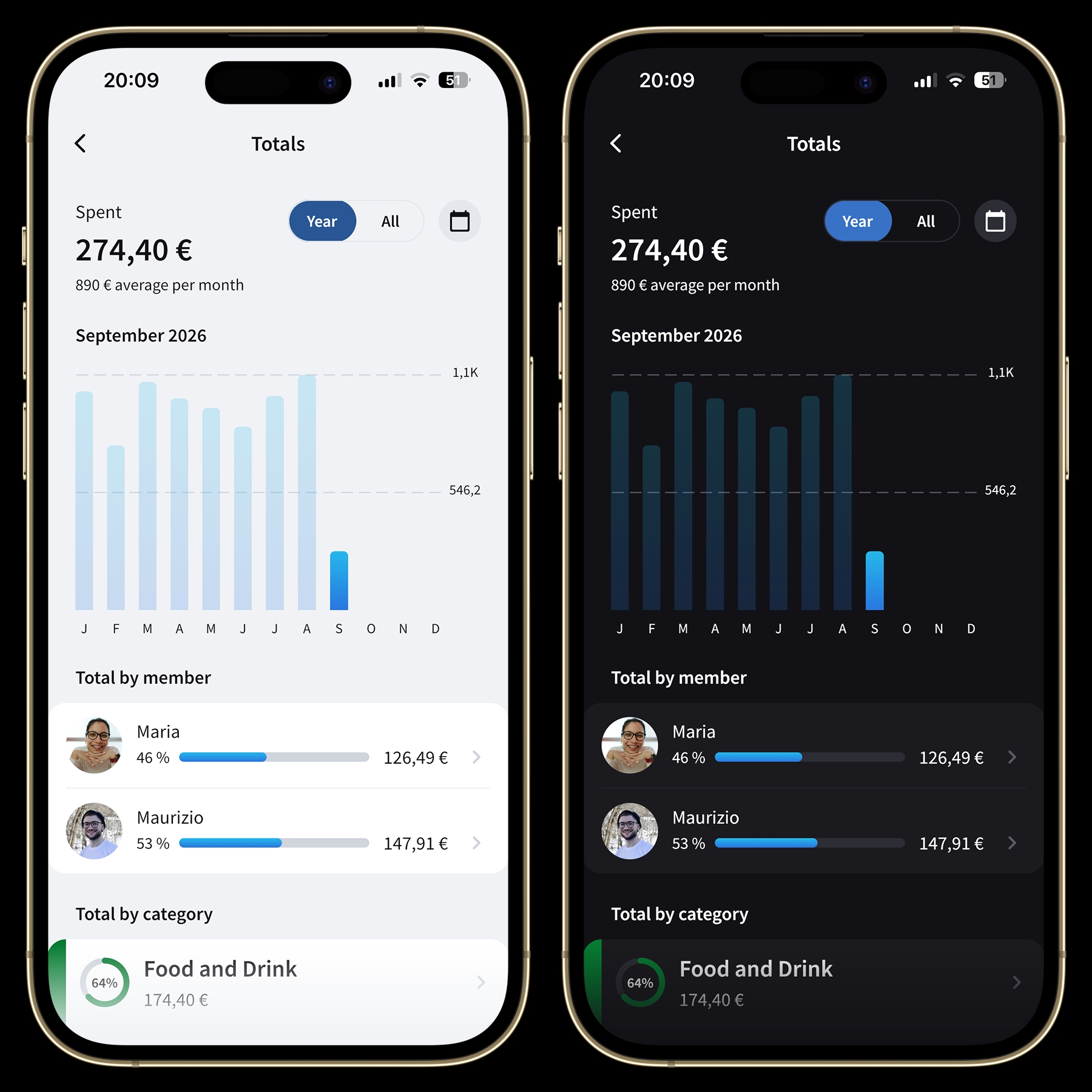
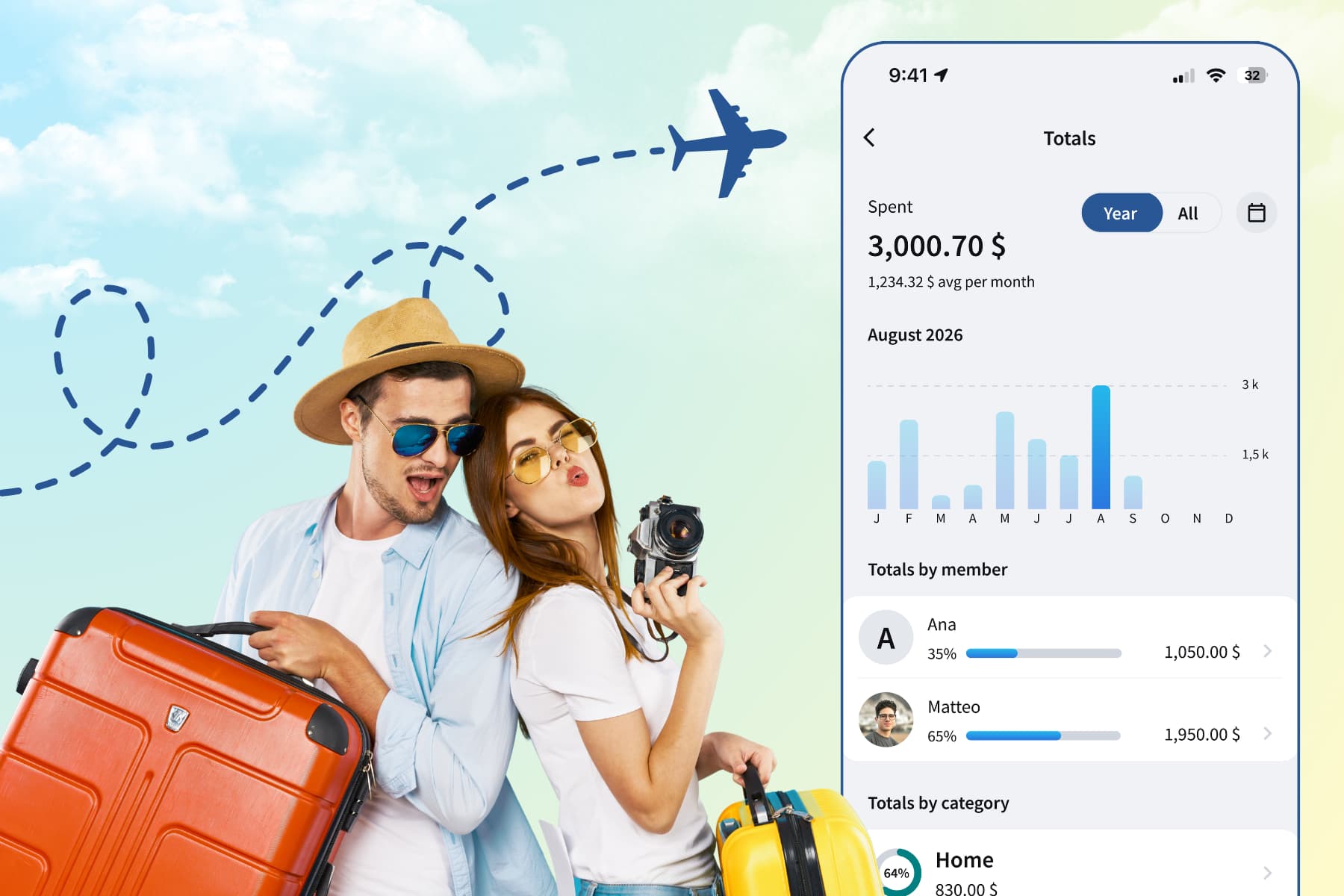
Totals in light and dark mode.
Dark mode is here to stay
If you love dark mode, you can keep using it. You might prefer a light background during the day and a darker screen when checking expenses in the evening. Or you might want Splital dark all the time. Both options are yours.
For evening use, you can also lower your screen brightness and pair dark mode with your phone's blue-light filter, such as Night Shift on iPhone or a similar setting on your Android phone. These settings shift the screen towards warmer colours to reduce blue light, while Splital's dark mode controls the app's appearance.
Splital follows your phone automatically
Splital follows your phone's appearance by default. When your phone uses light mode, Splital uses light mode. When your phone switches to dark mode, Splital switches too.
If your phone is set to use light mode during the day and dark mode in the evening, Splital follows that schedule too. You don't need to switch the app manually each time.
How to change between light and dark mode
Prefer to keep Splital in one theme all day? You can choose that in the app settings.
Open Splital's app settings and tap Appearance in the Preferences section. Then choose the option you want:
- Light: always use light mode in Splital, whatever your phone is set to.
- Dark: always use dark mode in Splital, whatever your phone is set to.
- System: automatically match your phone's appearance.
The change applies immediately, and Splital remembers your choice. You can come back here and change it whenever you want.
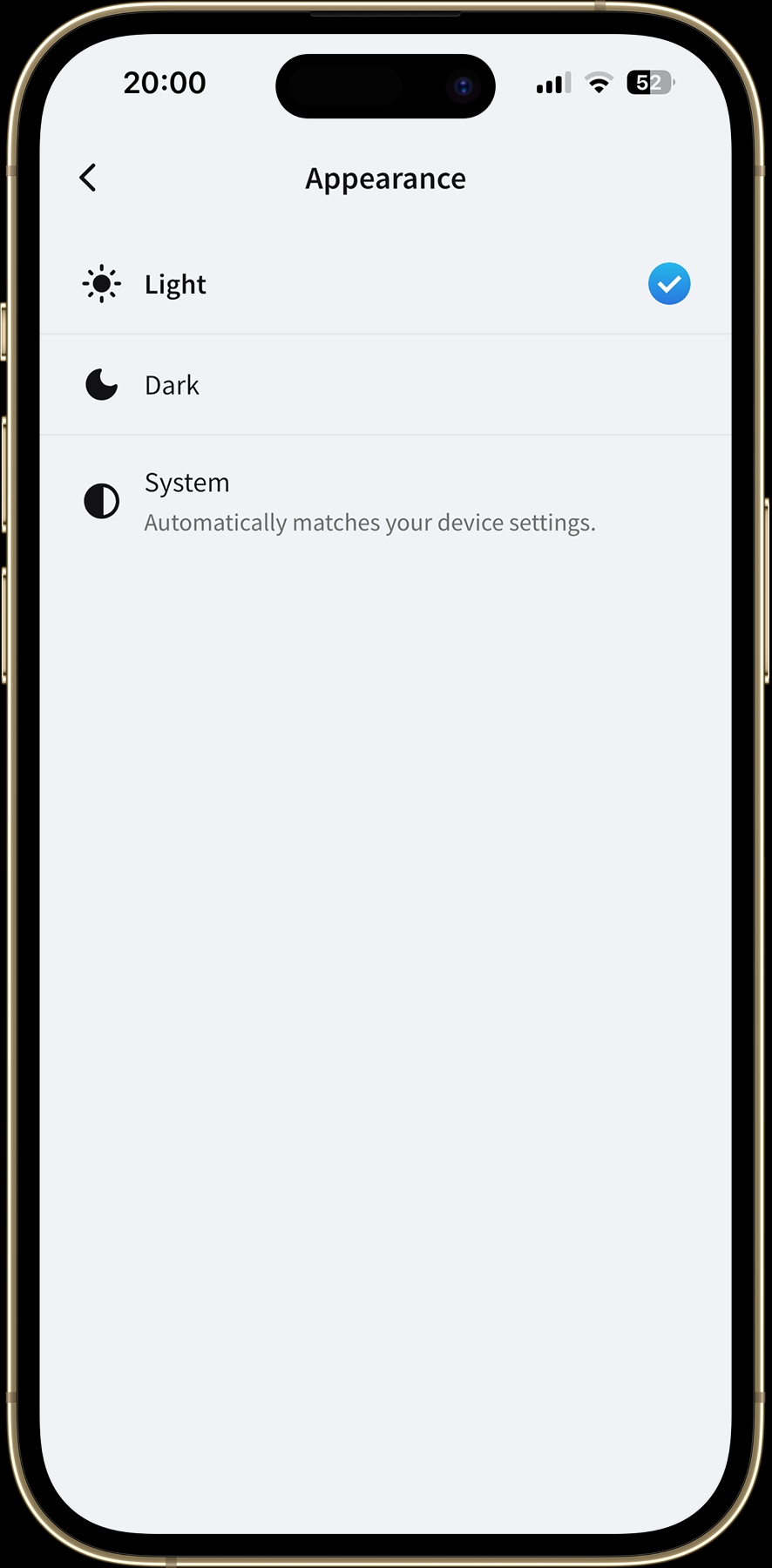
Light selected in Appearance settings. Your choice takes effect straight away.
Frequently asked questions
Is light mode free in Splital?
Yes. Light, Dark, and System are available to everyone, with no subscription needed.
Why did Splital switch to light mode after the update?
Splital follows your phone's appearance by default. If your phone uses light mode, Splital does too. To keep Splital dark, open the app settings, tap Appearance, and select Dark.
Can I use light mode in Splital while my phone stays in dark mode?
Yes. Select Light in Splital's Appearance settings. Splital will stay in light mode regardless of your phone's setting. Choose System whenever you want it to follow your phone again.
Thank you for asking
A lot has changed since we first built Splital for ourselves. Your feedback keeps showing us things we wouldn't notice from our own experience, and light mode is a good example of that.
Give it a try, and let us know how it feels. If a screen is still hard to read or you spot something we missed, write to [email protected] or tap "Suggest Feature" in the app settings. We read every message ourselves.
To the next update!
Maria & Maurizio
Download Splital for free
Available on Android and iPhone. No account needed.