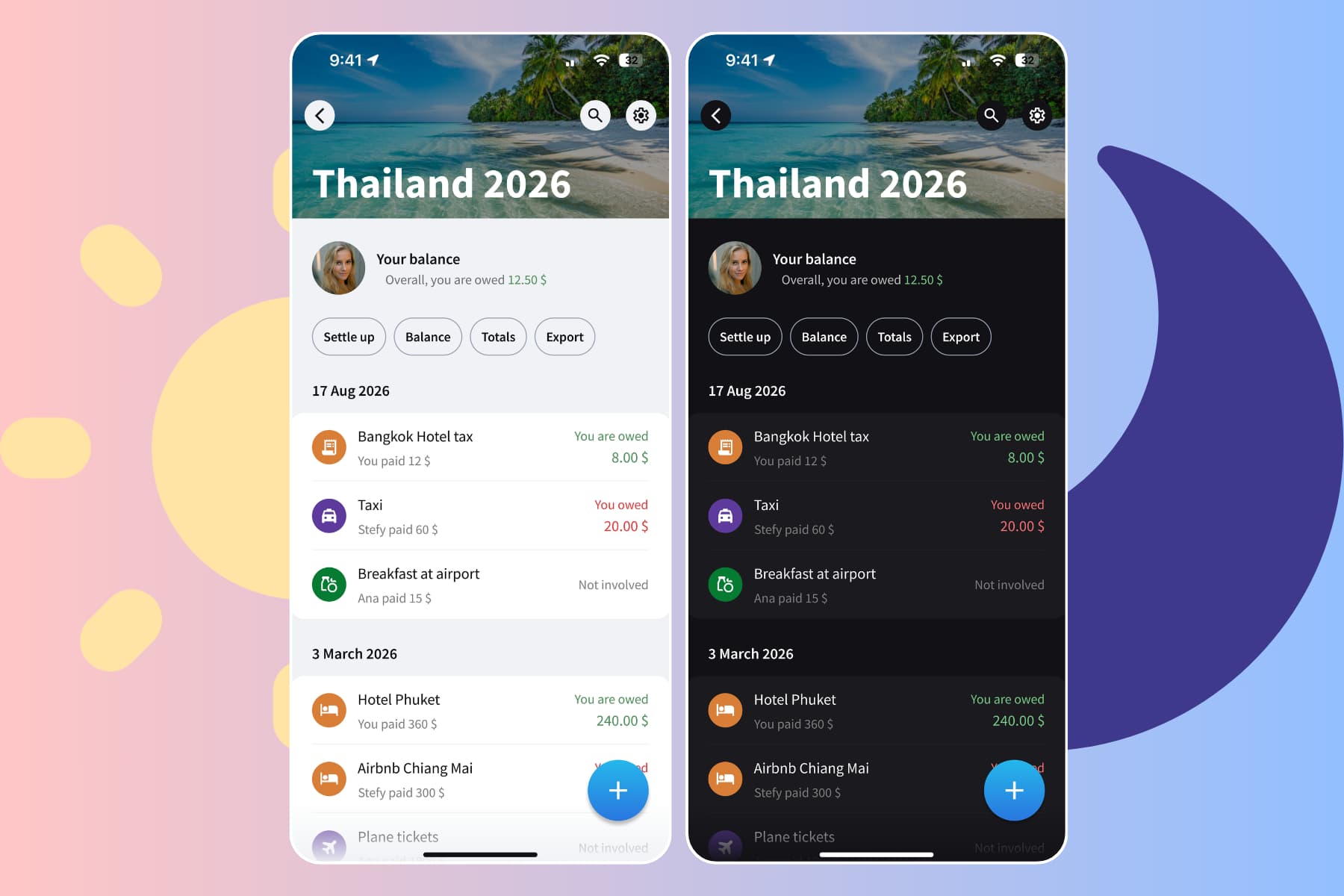
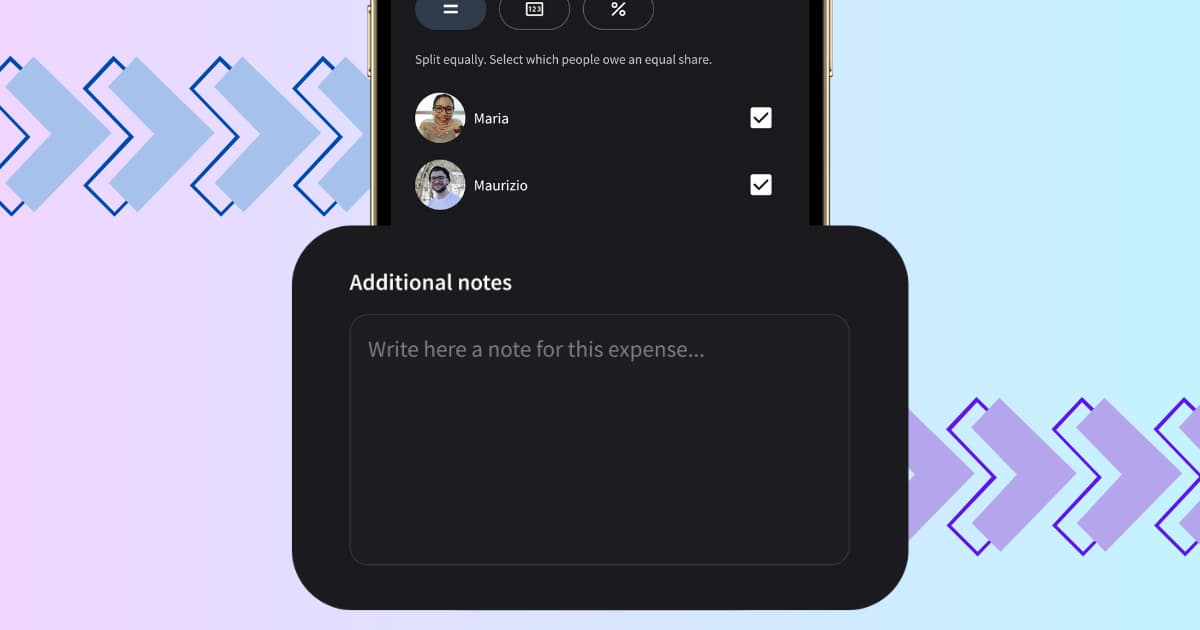
You can now add notes to any expense in Splital. Save who paid in cash, what the total included, or any detail you want to remember, every expense has its own dedicated notes field.
This was one of the most-requested features in our user feedback, and it's free for everyone, no subscription needed.
How to add a note to an expense
Adding a note takes a few seconds:
- Open any group and tap the + button to create a new expense, or tap an existing expense to edit it.
- Scroll to the Notes field below the amount and category.
- Type any context you want to save, payment method, receipt details, who actually ate what, anything useful.
- Tap Save. The note is attached to that expense and visible to everyone in the group.
You can edit or delete a note at any time by reopening the expense. Notes can be up to 1,000 characters, plenty of room for the context you need without turning into an essay.
The same notes field is available on settle-ups, so you can record why a payment was made (covering March rent, splitting back the holiday flights, anything that explains the transfer) the same way you would on an expense.
When notes come in handy
A few situations where having a notes field changes the conversation:
- Mark how you paid. Cash, card, or a specific shared account, dropping a quick note keeps the payment method tied to the expense. Useful at settle-up time, or when you need to match a charge to your bank statement weeks later.
- Trip context. "Includes Anna's drinks but not Marco's, he paid separately" stops awkward conversations three weeks later.
- Receipts and references. Drop in an order number, a transaction ID, or the name of the restaurant when the merchant on your bank statement is unrecognisable.
- Reimbursements. Note when a work expense will be refunded so the group knows the balance is temporary.
The pattern is the same in every case: the detail you remember today is the detail you'll forget in a month. Writing it down once removes the question forever.
Frequently asked questions
Can I add notes to settle-ups too?
Yes. The notes field works the same way on settle-ups as on expenses, so you can record what the payment covers (rent, a shared flight, a long-overdue settle) and keep the context attached.
Can everyone in the group see the notes I add?
Yes. Notes are part of the expense itself, so any group member can see them when they open the expense. This is intentional, the whole point is shared context. If something is private to you, keep it out of the notes field.
Is there a character limit?
Yes, notes can be up to 1,000 characters. That's enough for a few sentences of context per expense, which covers almost every realistic use case without inviting walls of text.
Are expense notes free?
Yes. Notes are part of Splital's free feature set, just like default splits, debt simplification, and automatic categorization. See pricing for what's included.
Can I search expenses by note content?
You can search expenses in Splital and notes are part of the searchable text, so a keyword you put in a note will surface that expense.
Small details, fewer disagreements
By the time someone questions a charge from a trip three months ago, the receipt is gone and the details are fuzzy. Notes are the simplest fix for that: write the context once, when you remember, and you'll never have to reconstruct it.
If you're on our PRO plan, you can also use image attachments to store the actual receipts alongside the expense.
If you have ideas for what we should build next, write to us at [email protected]. Most of what ships in Splital, including this feature, comes straight from user suggestions.
Maria & Maurizio
Download Splital for free
Available on Android and iPhone. No account needed.